
Best Of
Simple fix for Rosetta Stone German keyboard
Rosetta Stone is nice for learning a language, but I had one complaint: The German language class forces the user to use a German keyboard layout, which is counter intuitive, for me at least. The big difference between the German and US keyboard layouts is the swapping of the Y and Z key, otherwise the main 26 letters of the alphabet match up (german has a few extra letters that get mapped to other keys, but that's no big.
Having Y and Z swapped was messing me up, and, worse, since I will likely only ever type German words on a US keyboard, I was afraid it would mess me up, permanently, for ever typing German words with Ys or Zs in them.
I searched the internets, but found no solutions, only other people complaining about the same issue, so I decided to solve it myself with a simple autohotkey script. I'm posting the instructions for this here for anyone else who has the same issue. If you already have autohotkey and know how to use it, then all you want is the simple code, look in the code box below for it.
Everyone else:
1 - download and install autohotkey (it's free and small) here.
2 - When you run the program the first time, it will ask you to edit the main script file. Do so, and add this text to the bottom of the file:
#IfWinActive Rosetta Stone y::z z::y Y::Z Z::Y
3 - Save that file.
4 - Run autohotkey again. It should now load up the instructions from the main script, and your Rosetta Stone keyboard should be fixed for all the Zeitungen you need to type about in the first few lessons. 
If you need help, post below, and I'll be happy to try to help out.
 CB
CB
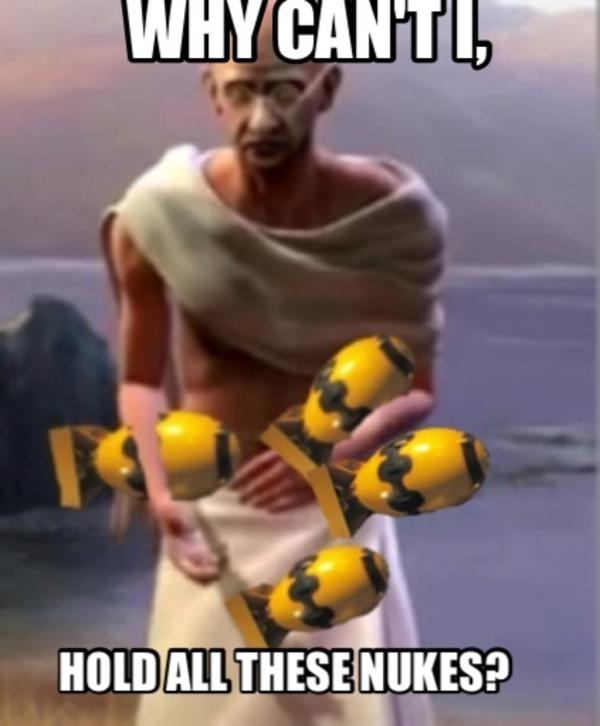




Gandhi Games 2: Thuggee Life [abandoned]

Same rules:
Everyone plays as this Indian psychopath.
When you met another player you MUST declare war immediately.
Bonus rule :
You are each allowed ONE NUKE, use it well.
'IN' below.
 Basil
Basil
Re: Windows 10 launches this week. AMA.
Just an FYI, it doesn't appear that the Windows 10 upgrade touches the bootloader. I decrypted my drive yesterday, came home from work to find that my upgrade was downloaded and ready. Started the upgrade this morning. I forgot to remove the DiskCryptor bootloader though, and on each reboot it still prompts me for a password (although that password is now blank since the disk is no longer encrypted). Of course, when I left for work this morning, it was still installing software and drivers... but the two automatic reboots it has done so far have shown that the DiskCryptor bootloader is still present and functioning. Don't know that anyone else here would care about this, but thought I'd pass the info along anyway.
Re: Come play SWTOR with us!
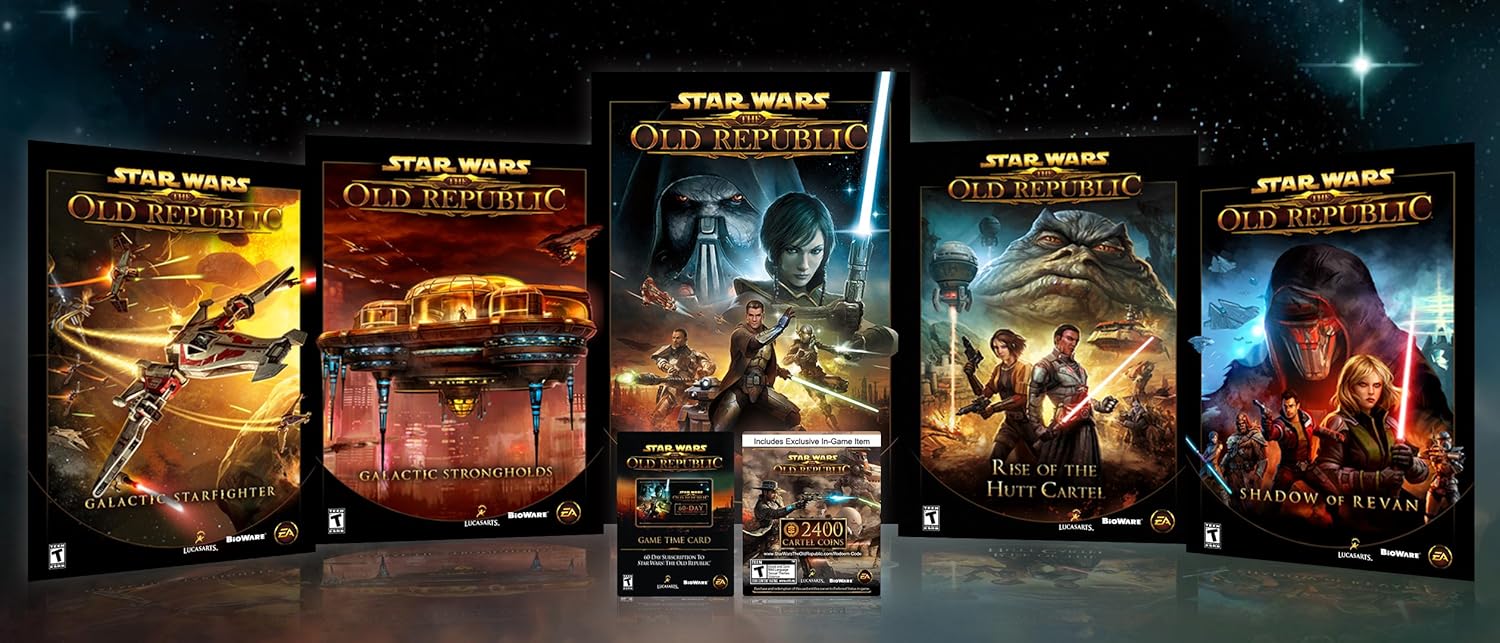
if anyone is thinking of joining up and enjoying the sweet 12x XP, Amazon has a great bundle deal for $39.99
you get:
Star Wars: The Old Republic
Rise of the Hutt Cartel expansion
Shadow of Revan expansion (worth $15)
60 days of subscription (worth $30)
2400 Cartel Coins (worth $20)
 fatcat
Re: Windows 10 launches this week. AMA.
@DontCallMeKelso said:
June 15th-20th (just over a month ago)
Will find out the rest. How can they tell if currently activated?
Open control panel and go to the System pane. At the bottom the activation status will be reported with the blue "ask for genuine" badge. If it is indeed activated, then set the Windows Update to fast ring. If your friend opted into the Insider Preview program, he/she should get pushed build 10240, which is the shipping version of Windows. This person will not receive a CD key suitable for a clean install, but will receive indefinite updates that will keep the system genuine and activated for as long as they continue to accept fast ring updates.

 Thrax
Thrax